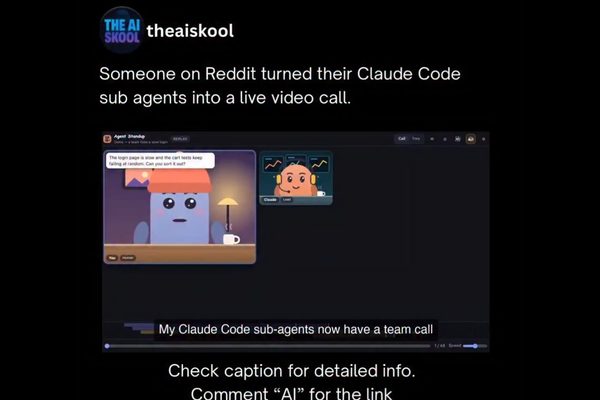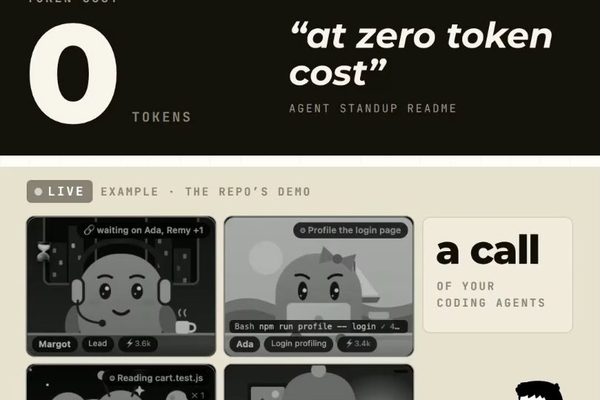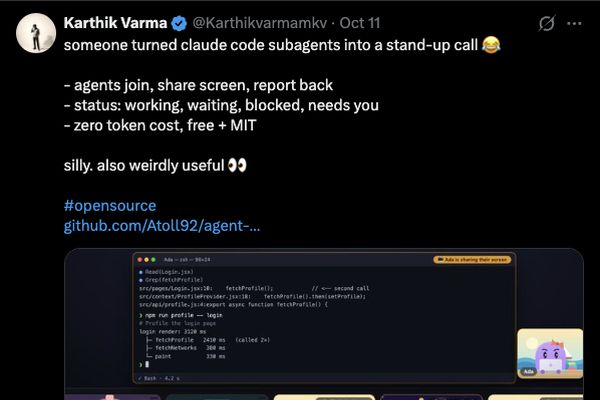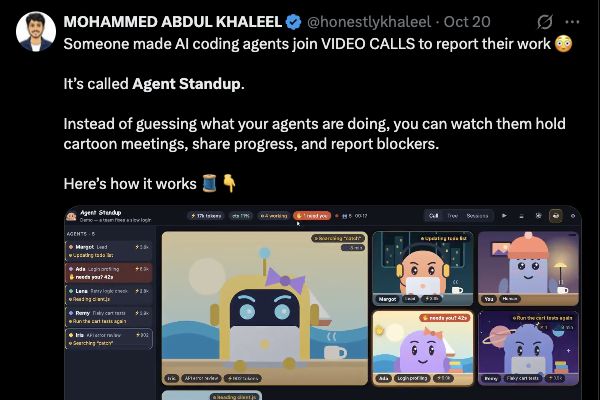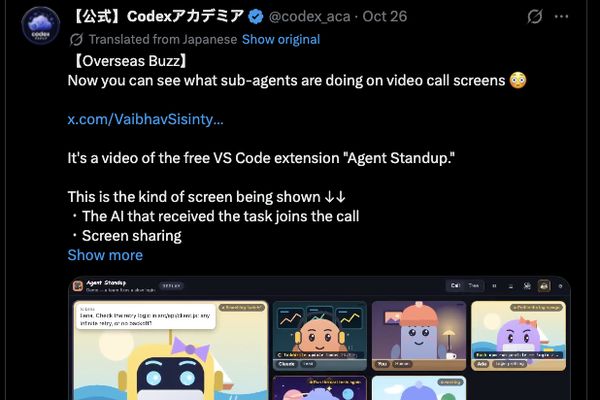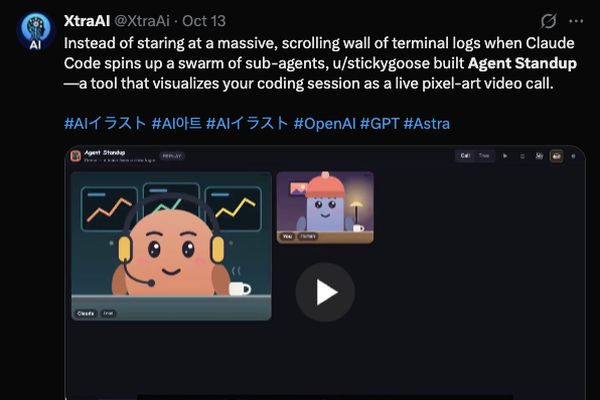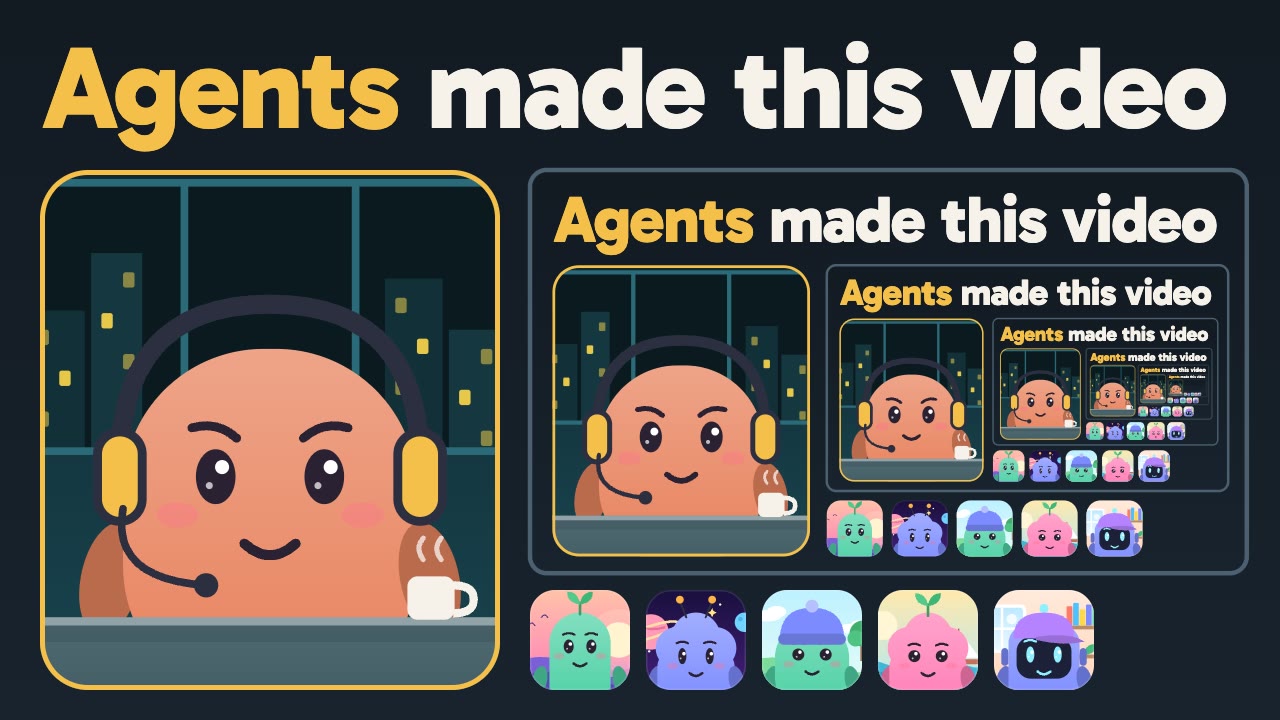
Agent Standup turns your Claude Code, Codex and Mistral Vibe sessions into a live team call. One glance shows who is working, stuck or waiting on another agent, and you are called in only when one needs you.
Free and open source. Runs on your machine, costs no tokens.
Play the video
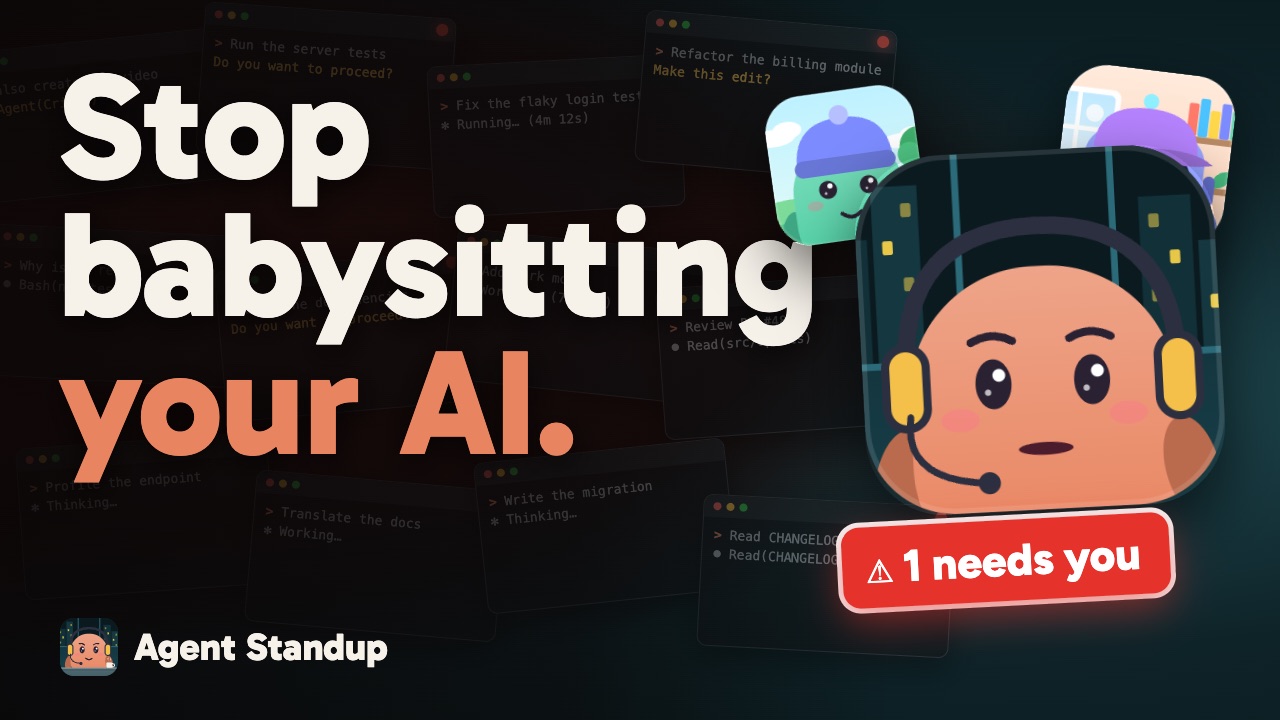
New on YouTube AI agents burning you out? The whole idea in 54 seconds, with the real app at work. Subscribe
New in 1.48
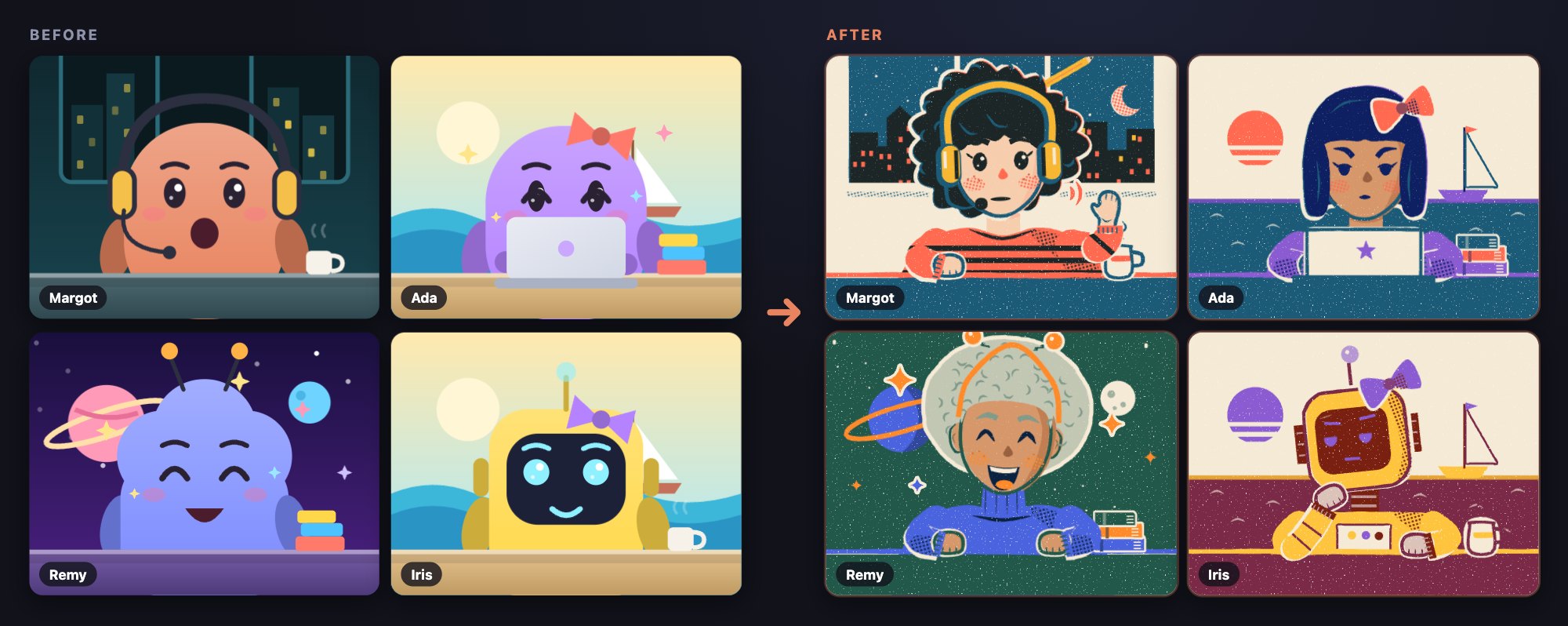
Same team, same names, a new look: your agents printed in two inks, with grain and offset colours. Their faces and arms follow what each one does: a hand up when it needs you, chin in hand while it waits, a cheer when it is done. Pick it in ⚙ → Characters → Two-ink print; today’s cast stays the default.
And your plan limits, at the top of the call. A ⏳ badge shows how much of your five-hour and weekly Claude or Codex limits you have used, and when they reset. It reads files already on your computer: nothing is fetched.

New in 1.47
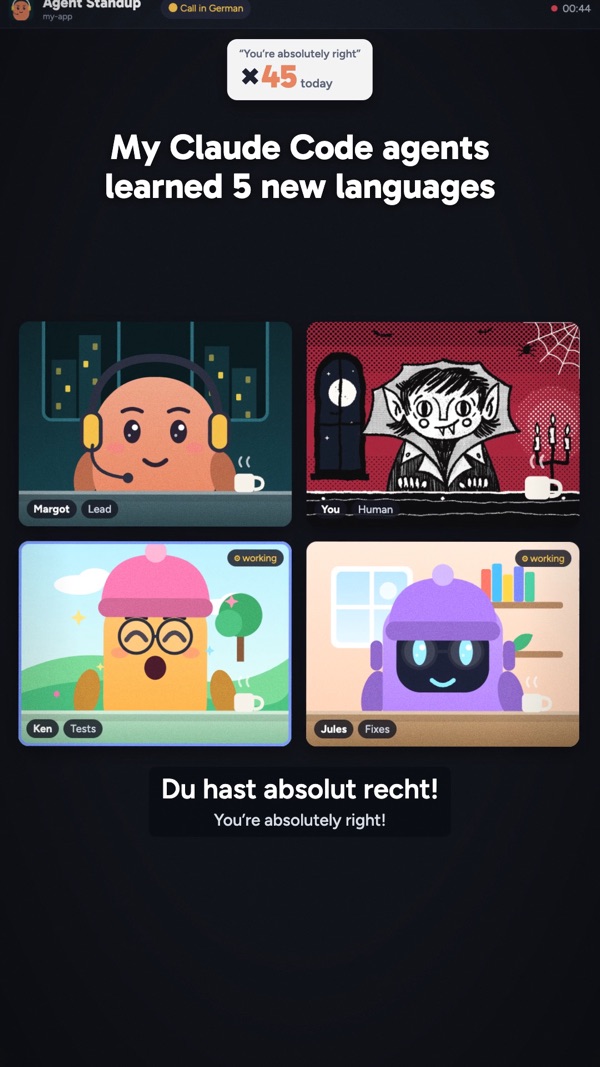
Hold the call in German, Danish, Japanese, Korean or Chinese, with natural voices that run on your machine. The call asks once before it switches, and translates through your own Claude Code.
And they sign your pull requests. In Claude Code, /agent-standup:credits adds one line to a pull request or a commit: the lead and the sub-agents, the time they worked, their commands and their edits.
Play the video
What you see
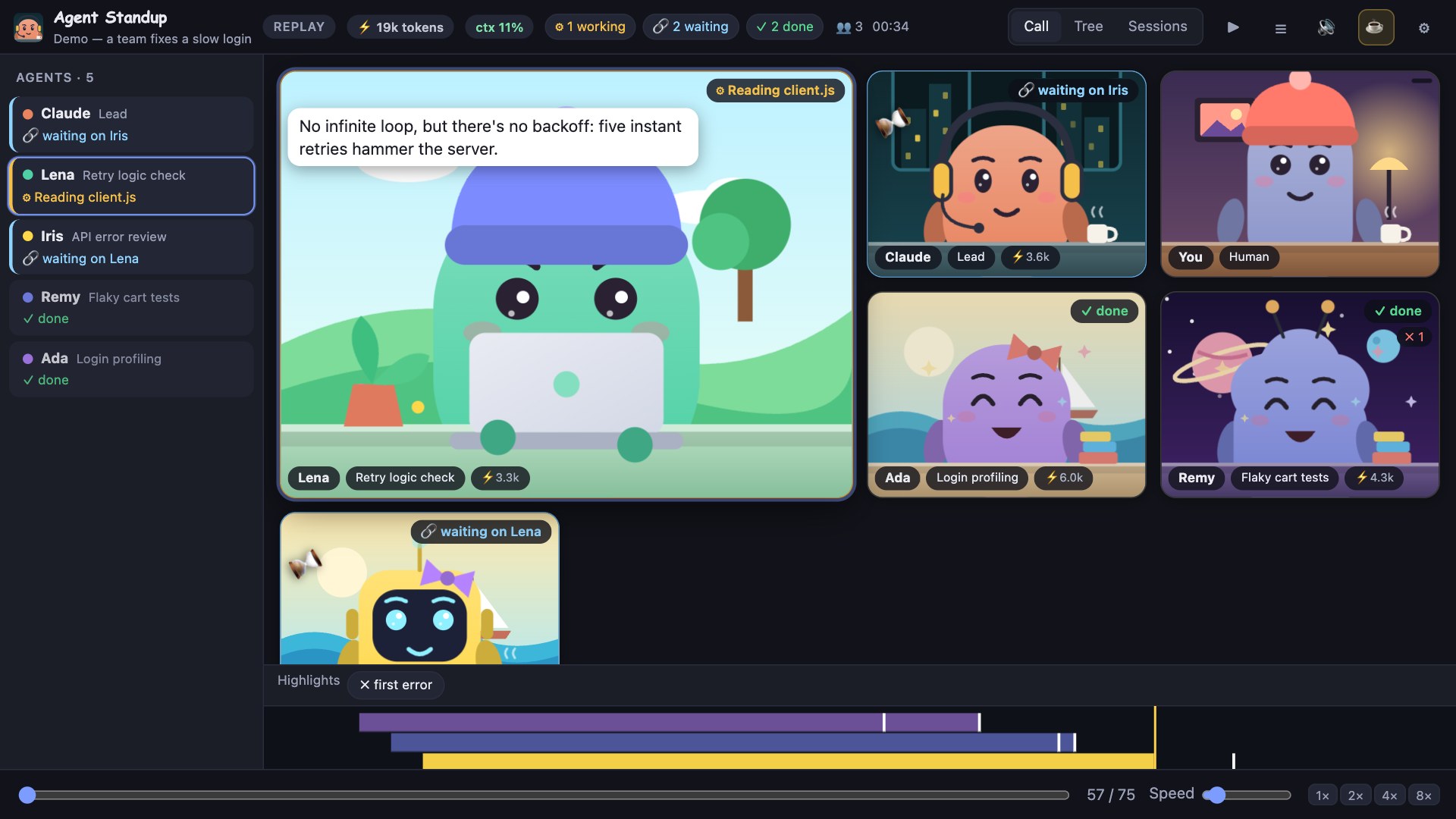
It reads the session files your agents already write and plays them as a meeting, live or as a replay of any past session.
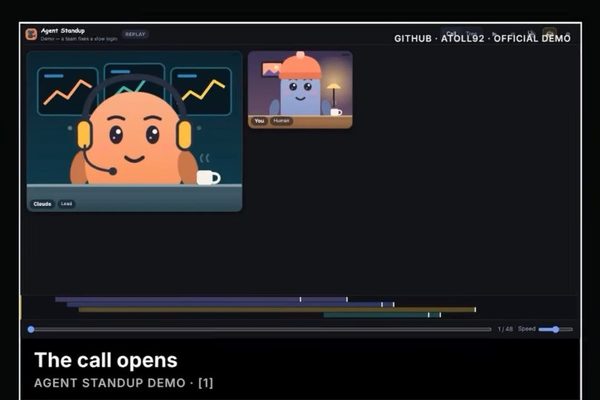
The lead gives orders. Sub-agents join the call when they get a task and leave when they are done. Whoever speaks gets the spotlight, with a voice and a moving mouth.

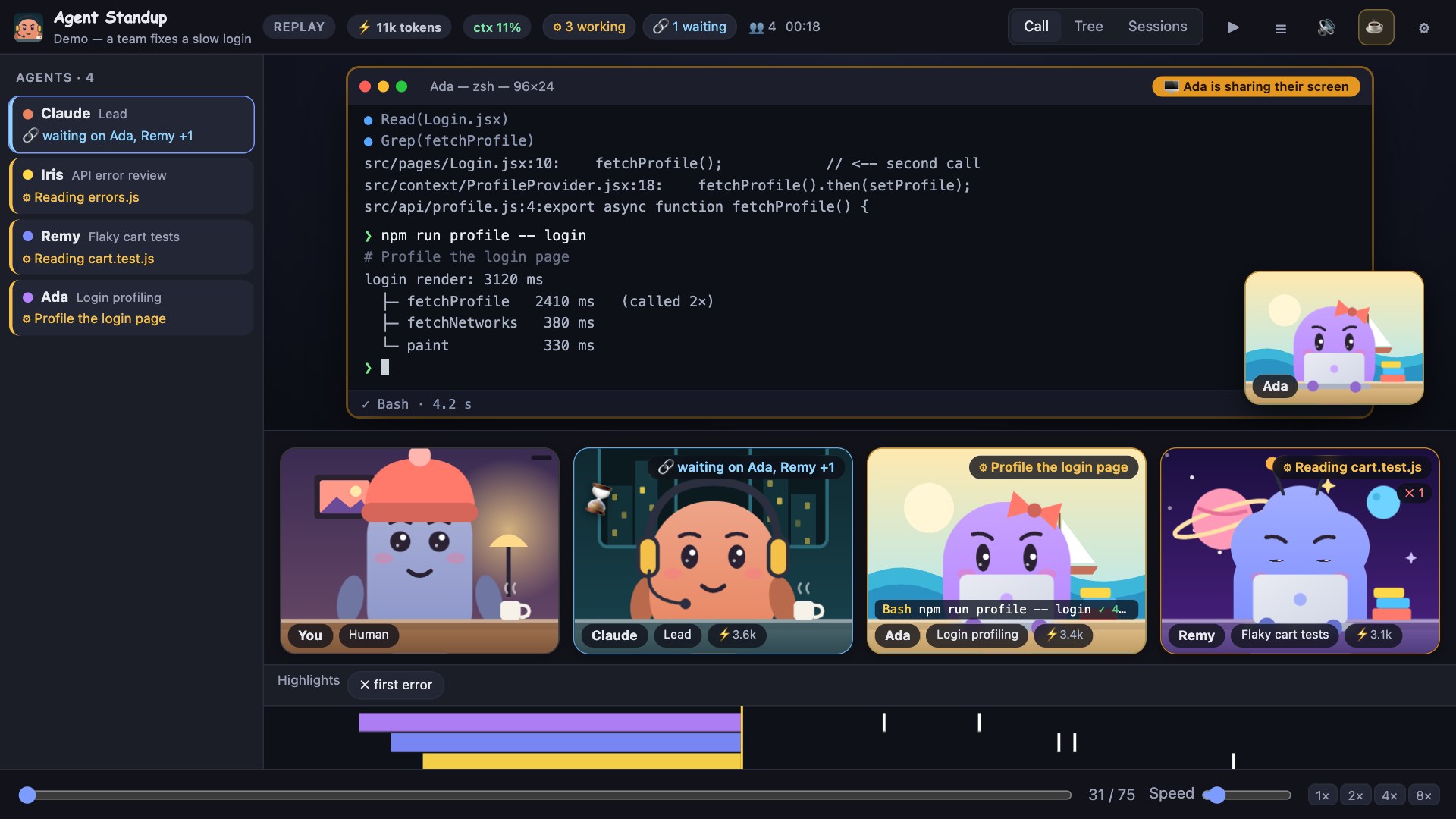
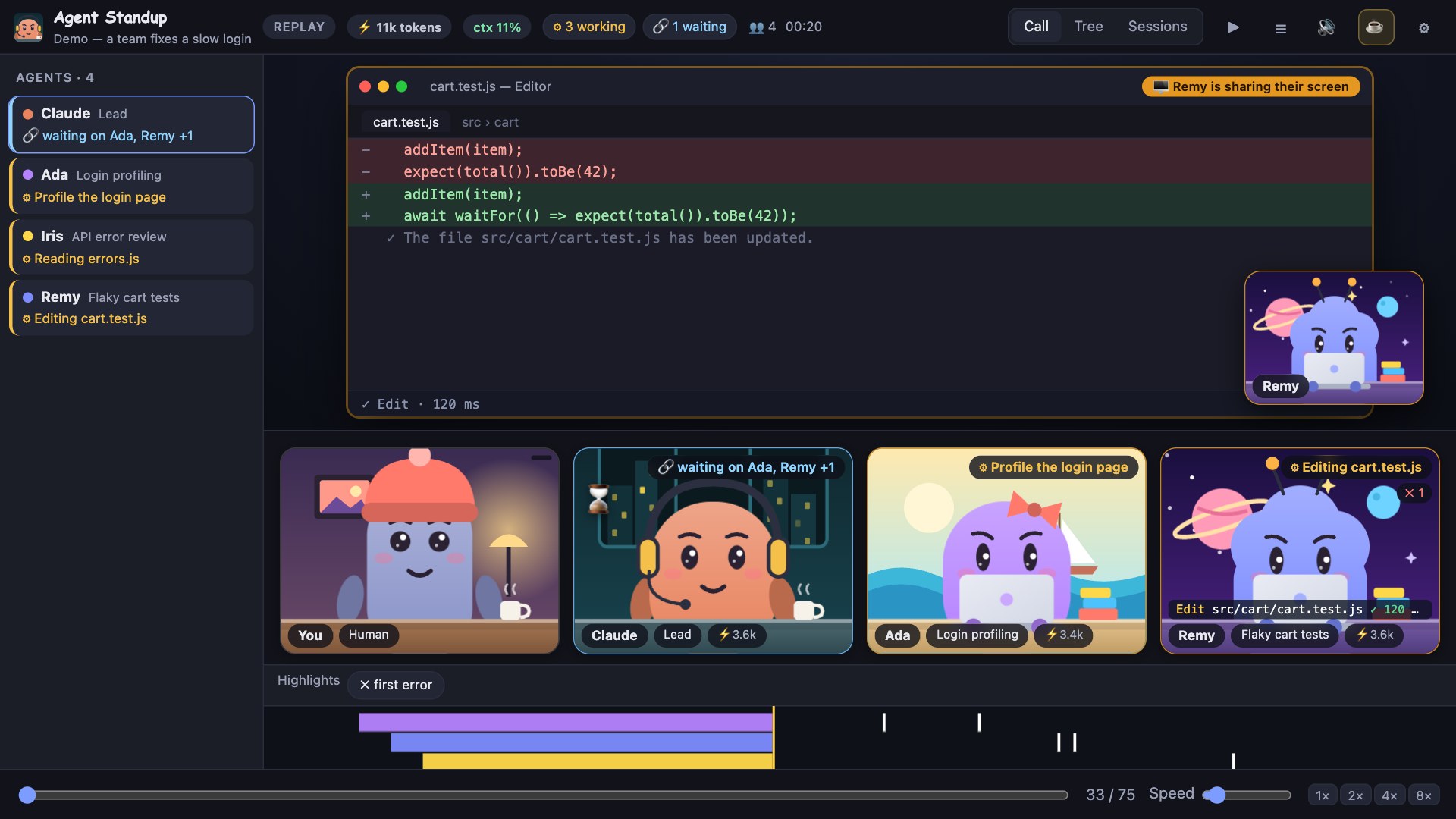
When an agent runs a command, you see the command and its real output. When it changes a file, you see the diff. Failed commands are marked, so the first error is easy to find.


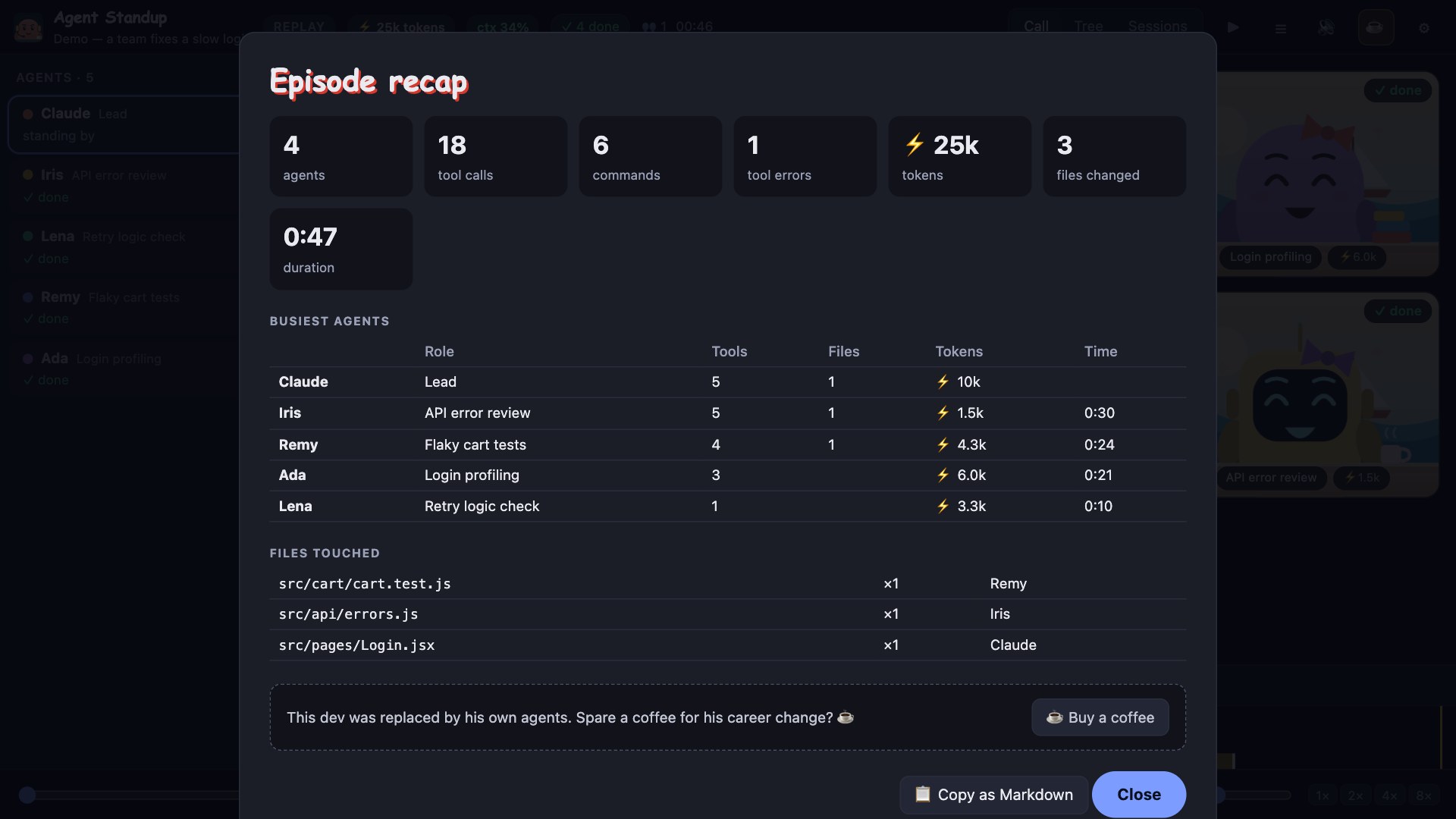
Pick any past session and scrub through it. Jump to the first error, the longest wait or a loop. At the end, a recap lists the agents, the commands, the errors, the tokens and the files that changed.

Support
Made by a bored dev and his robots.
7 people have already bought him 15.4 coffees. Thank you!
enjoing it
Merci pour ce beau boulot, j'aime beaucoup!
really cool
pas assez de téléchargements et de retours positifs, désolé pour ca ! mais c'est du bon taff :)
Awesome work!

They talk about it

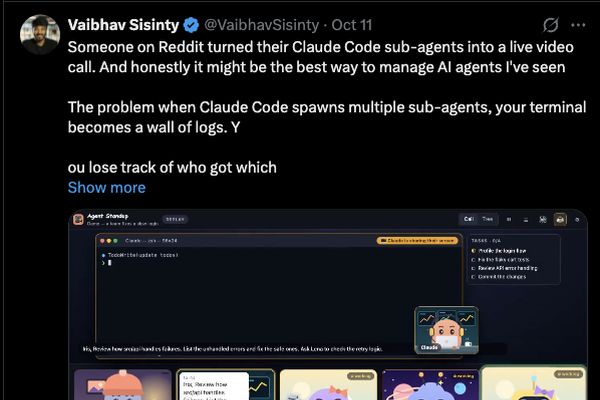
“…honestly it might be the best way to manage AI agents I’ve seen.”Vaibhav Sisinty · X

“I have 8 employees. None of them is human, and they hold their morning meeting without me 😅”Yonatan Ben Haim · Instagram, translated from Hebrew

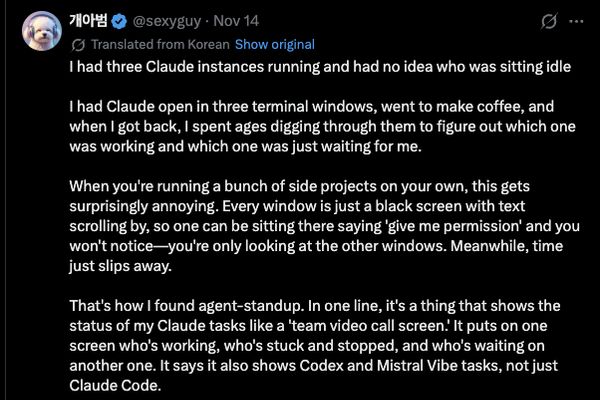
“I don’t think this is a toy. Once you start running multiple AIs at the same time, the bottleneck isn’t skill—it’s ‘can you see what each one is doing?’”개아범 · X, translated from Korean

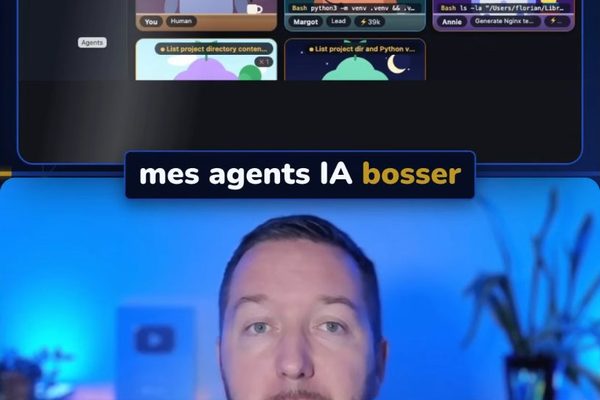
“The audio part is interesting because it lets you stay informed in real time about what is happening, without keeping an eye on the Claude Code session.”Florian Burnel · IT-Connect

“…a surprisingly clever way to manage AI agents.”The AI Skool · Instagram

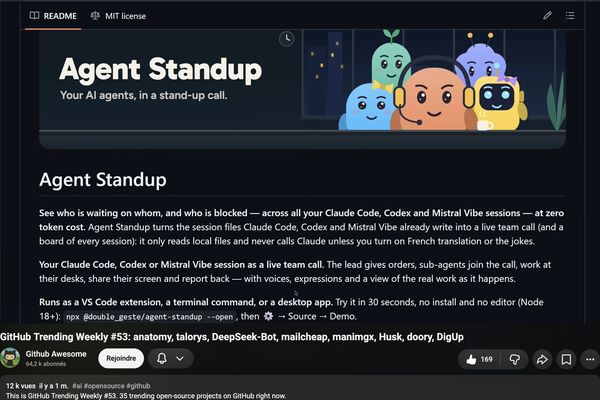
In GitHub Trending Weekly #53, one of 35 trending open-source projects.
Github Awesome · YouTube
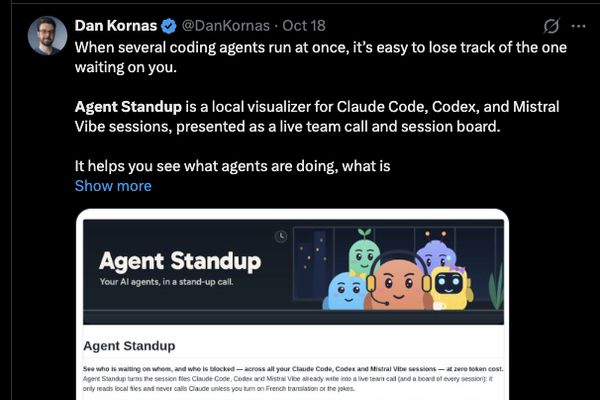
“When several coding agents run at once, it’s easy to lose track of the one waiting on you.”Dan Kornas · X

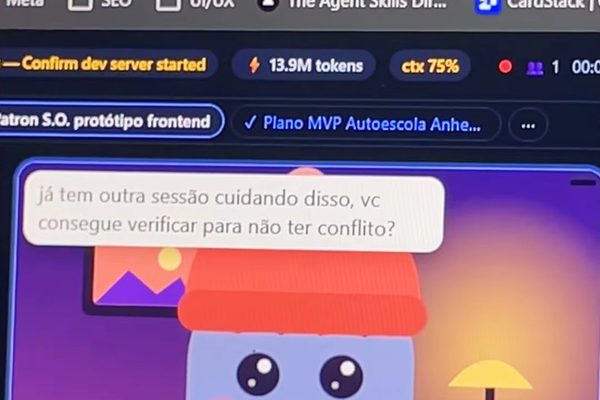
“I installed an extension called Agent Standup, which lets me follow the agents working in real time and even hear them talking.”Vini Sirks · Instagram, translated from Portuguese

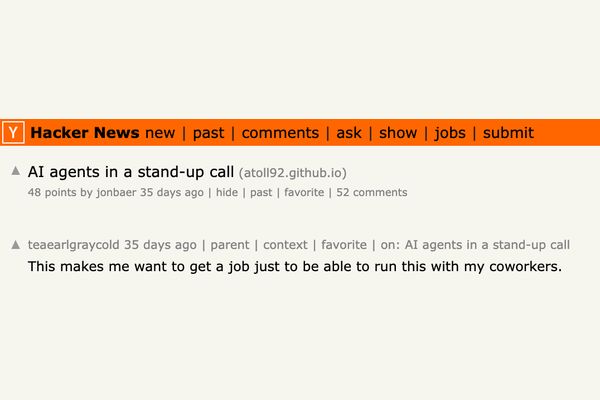
“This makes me want to get a job just to be able to run this with my coworkers.”teaearlgraycold · Hacker News

“Seeing all of this happen before my eyes gave me chills.”Roey Zalta · Instagram, translated from Hebrew

“The strongest workflow feature is the distinction between activity and attention.”James Rivera · Zeniteq

“A live video call of your coding agents that costs zero tokens.”Mian Zubair · Instagram

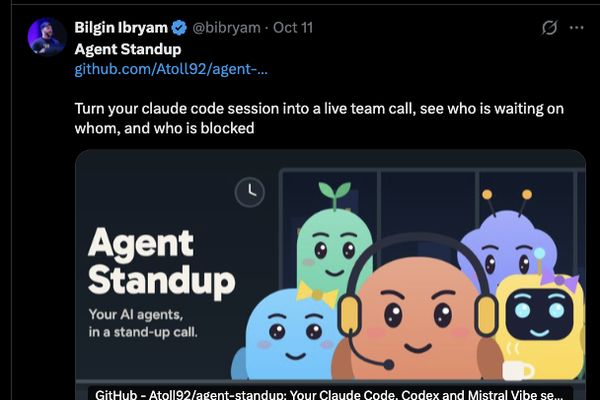
“Turn your claude code session into a live team call, see who is waiting on whom, and who is blocked”Bilgin Ibryam · X

“Your AI agents, in a team meeting.”Florian Burnel · Instagram, translated from French

“silly. also weirdly useful 👀”Karthik Varma · X

“Instead of guessing what your agents are doing, you can watch them hold cartoon meetings, share progress, and report blockers.”Mohammed Abdul Khaleel · X

“Agent Standup turns a Claude Code session into a live, animated team call.”The Token AI · Instagram

“Now you can see what sub-agents are doing on video call screens 😳”Codex Academia · X, translated from Japanese

“Instead of staring at a massive, scrolling wall of terminal logs…”XtraAI · X
Now on YouTube
Agent Standup now has a YouTube channel. Its first video is the very session that made it, replayed in the app with its own voices: Margot, the lead, briefs three sub-agents, a critic objects, and Margot decides. 2 min 51, in English.
The video comes from YouTube, and only once you press play.
Play the video
New
Sessions of OpenAI’s Codex and of Mistral Vibe, Mistral’s coding agent, appear next to your Claude Code sessions: in the list, on the board and in the live call. So do the Cowork sessions of the Claude desktop app. Nothing to set up.
With Codex the call is the lead and you: its sub-agents are not shown yet. Mistral Vibe’s sub-agents do join the call.
The cast
When eight sub-agents work at once, seeing who does what, and what is on their screen, beats scrolling through a log.
Natural voices or an Animal Crossing babble, with lip-sync. Agents chat about what really happened, as little or as much as you like.
Drop images in a folder and your own character joins the call. A cat pack from a contributor is built in.
English, Français, 繁體中文, 简体中文, Español, Deutsch, Dansk, Português, 日本語, 한국어.
It only reads local files and sends nothing by default. Privacy
Our tip: install the natural voices when the call offers them (a one-time install). The agents then sound like real people, in English, French, Spanish, Brazilian Portuguese, German, Danish, Japanese, Korean and Chinese.
Play the video
🎃 Optional · Drawn by hand
Eight characters drawn by hand by Fabien Coupas, each in its own room. The app stays free and nothing in it is locked: buying the pack, 2 € or more, supports the artist and the developer.
Install
One small local server, several ways in. You need to have used Claude Code, Codex or Mistral Vibe on this machine at least once.
A panel and a side bar, plus live counts in the status bar that turn red when a session waits for your answer.
Open in the MarketplaceThen click the Agent Standup icon in the Activity Bar: the call starts by itself, and a first click in it turns the sound on.
The same extension, from Open VSX: search Agent Standup in the Extensions panel of your editor, then open it the same way.
No editor needed: it opens the call in your browser. Node 18 or later.
Its own window and a menu bar indicator, with a notification when a session waits for your answer.
Not signed by Apple. The first time on a Mac: open it, close the warning, then System Settings → Privacy & Security → Open Anyway.
A plugin with two commands: open the call, and a one-line status of who is working and who needs you. Node 18 or later.
On an older Claude Code, in two steps: /plugin marketplace add Atoll92/agent-standup/plugin install agent-standup@double-geste
And a line above your prompt when another session needs you (Claude Code 2.1.294 or later): /plugin install agent-standup-band --marketplace Atoll92/agent-standup
One short line for the Claude Code status line, tmux or anything else: how many agents are working, and whether one needs you.
Questions
No. It reads the session files your agents already write and runs no model of its own: none of your tokens, credits or plan limits. One exception: a call translated into another language, and the jokes if you turn them on, send short lines to Claude Haiku through your own login.
No. Everything runs on your machine and nothing is sent by default. The translation and the jokes send only short lines of the call, through your own Claude login. Privacy
It is meant to be fun, but the drawings sit on plain tools: counts in the status bar that turn red when a session waits for you, a board of every session, a replay that jumps to the first error, and a recap of each session. Mute it, keep it in a corner, and look up when someone calls you in.